

- Deploy your AIR Account on Moca Chain
- Connect via your Web3 Wallet
- Or try out our Block Explorer
Deploy your AIR Account on Moca Chain
Moca Chain Networks 🌐
Copy and paste these values into any wallet that supports importing RPCs. Choose Mainnet for production assets or Testnet for development and experimentation. For the full network specification (CometBFT, LCD, consensus, and gas parameters), see the Network Information page.Moca Chain Mainnet
Moca Chain Testnet
Supported Wallets 👛
Currently, any EVM-based wallet that allowsRPC importing can be configured to work with Moca Chain.
Here are some examples of compatible wallets:
How To Set Up A MetaMask Wallet With Moca Chain 🦊
This will walk you through the steps of setting up and configuring a MetaMask wallet with Moca Chain.Note: It is recommended that you set this up through Chrome.
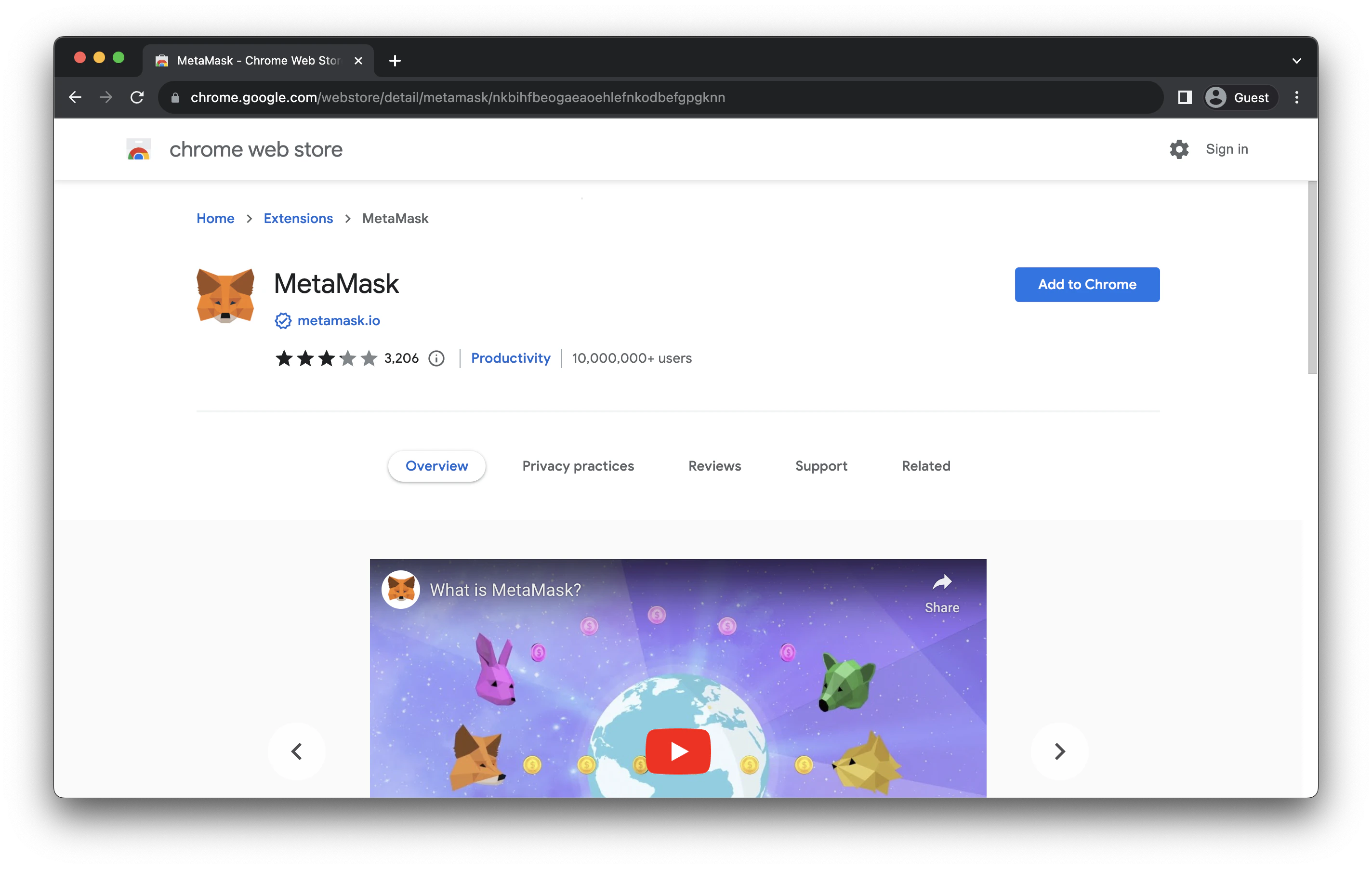
Step 1 - Install MetaMask
Go to MetaMask’s website and click to download the browser extension for your browser of choice. Make sure the extension is being offered bymetamask.io.
Step 2 - Create Your Wallet in MetaMask
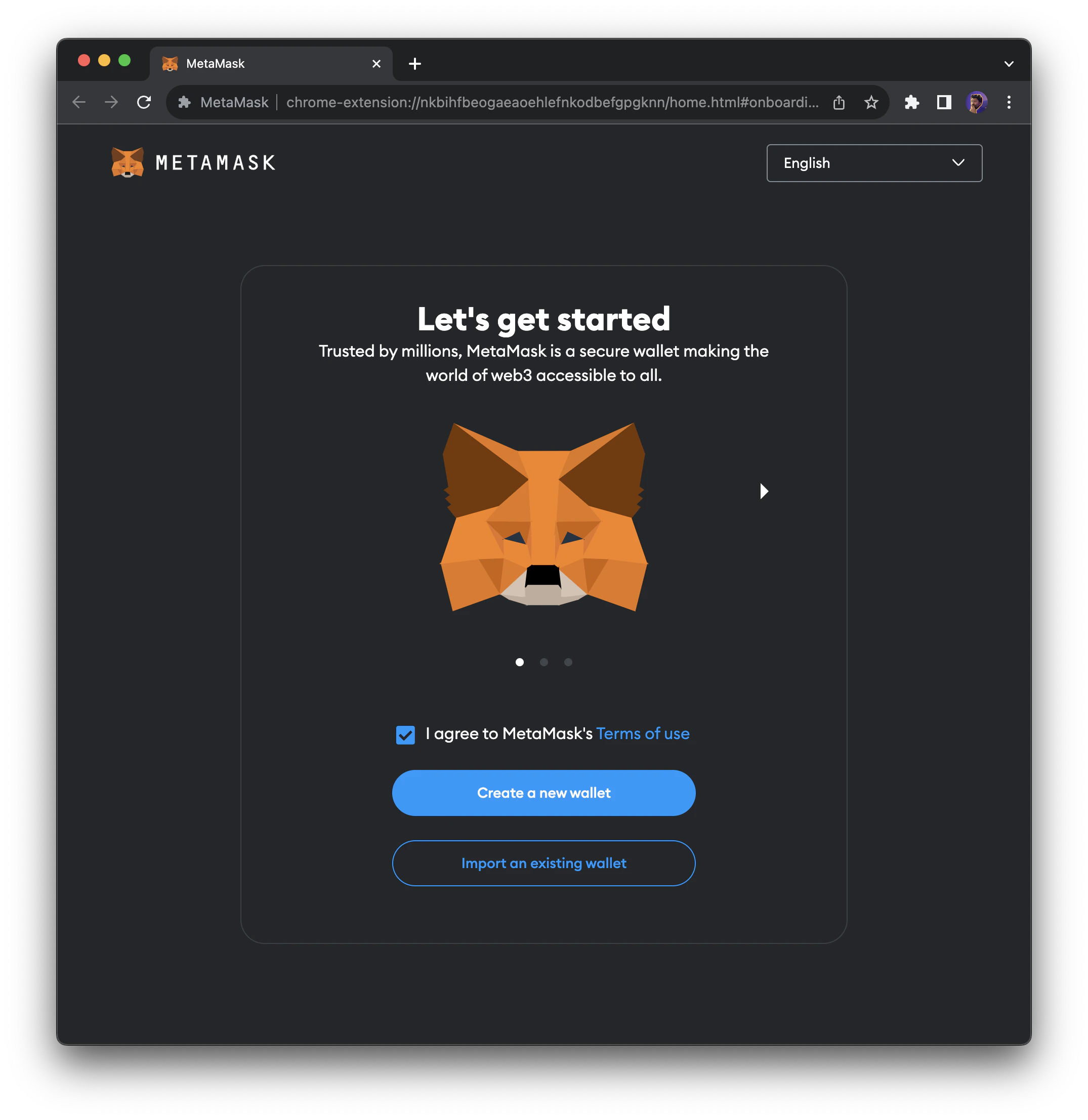
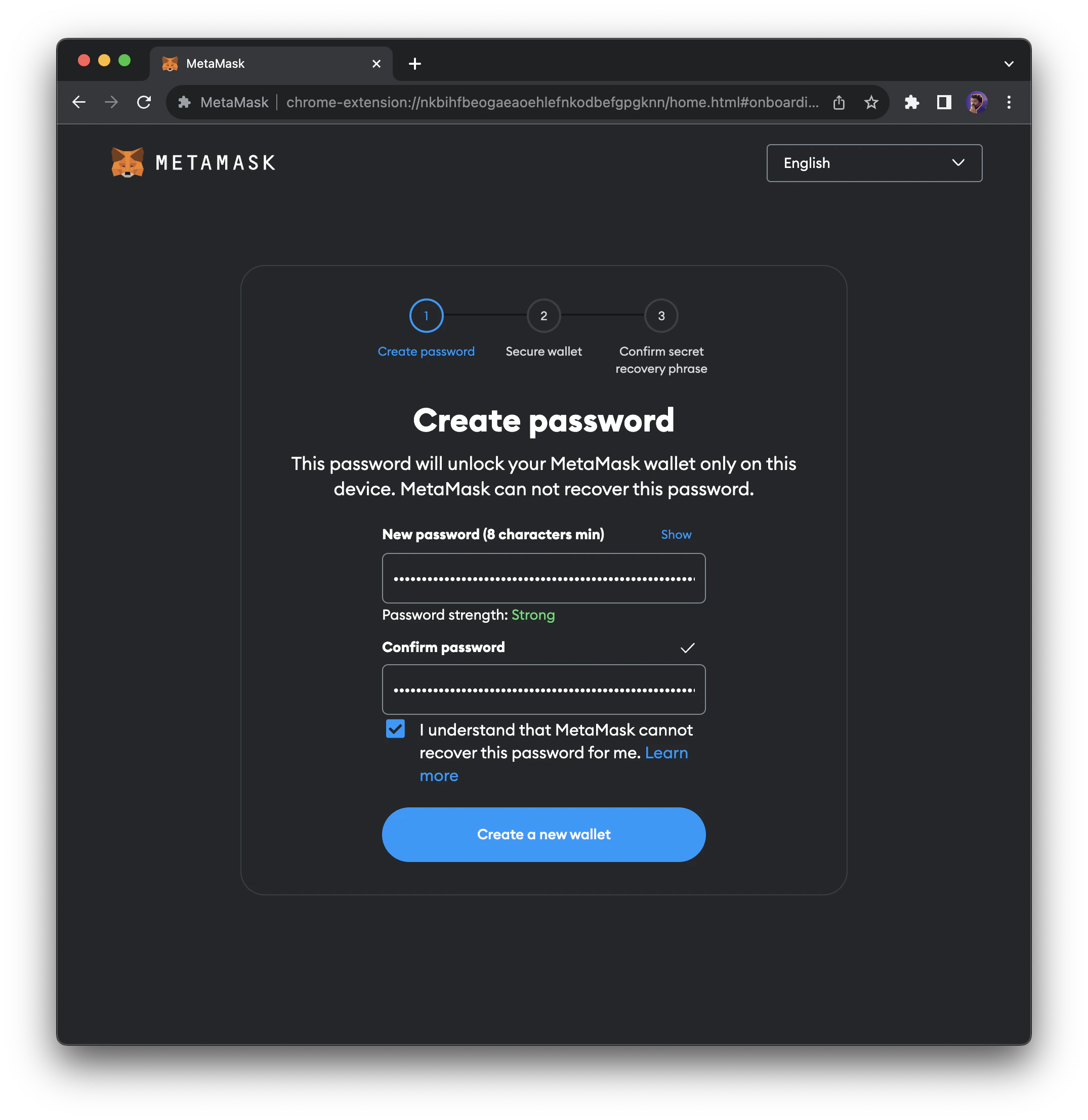
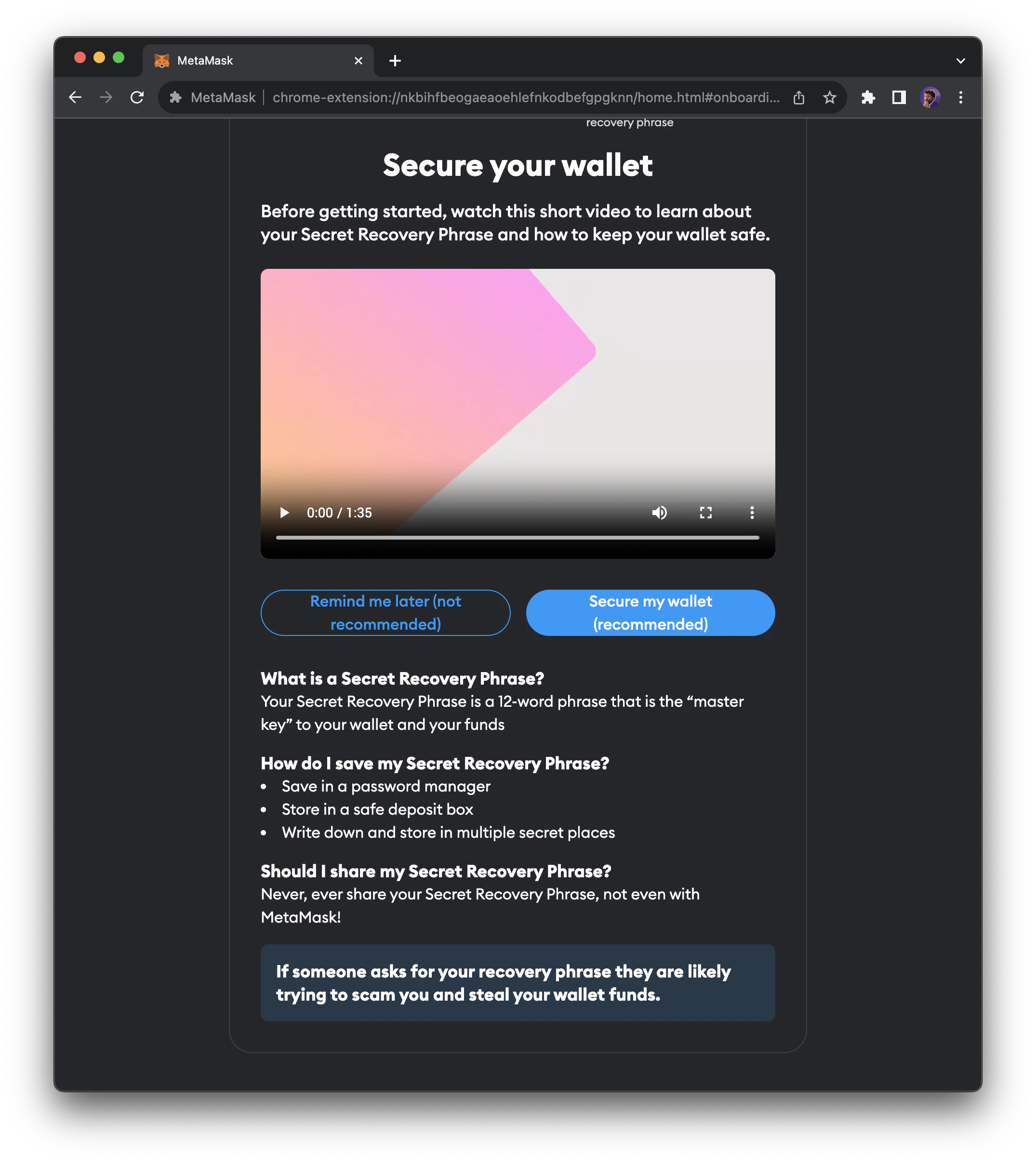
Once MetaMask finishes installing as a Chrome extension, the initial prompt will show up. Click theCreate a new wallet button to start the process.
Add Moca Chain Network To Your Wallet 🐻
Wallets can connect to various blockchains, with MetaMask setting Ethereum as its default blockchain. In order to connect to Moca Chain, we’ll need to add the network to MetaMask and select it.Add Moca Chain Network in One Click
Use the network details from the Mainnet or Testnet table above to add Moca Chain to your MetaMask wallet, or add it manually below.Add Moca Chain Network Manually
To add the network manually, click the drop-down in the top-left of MetaMask.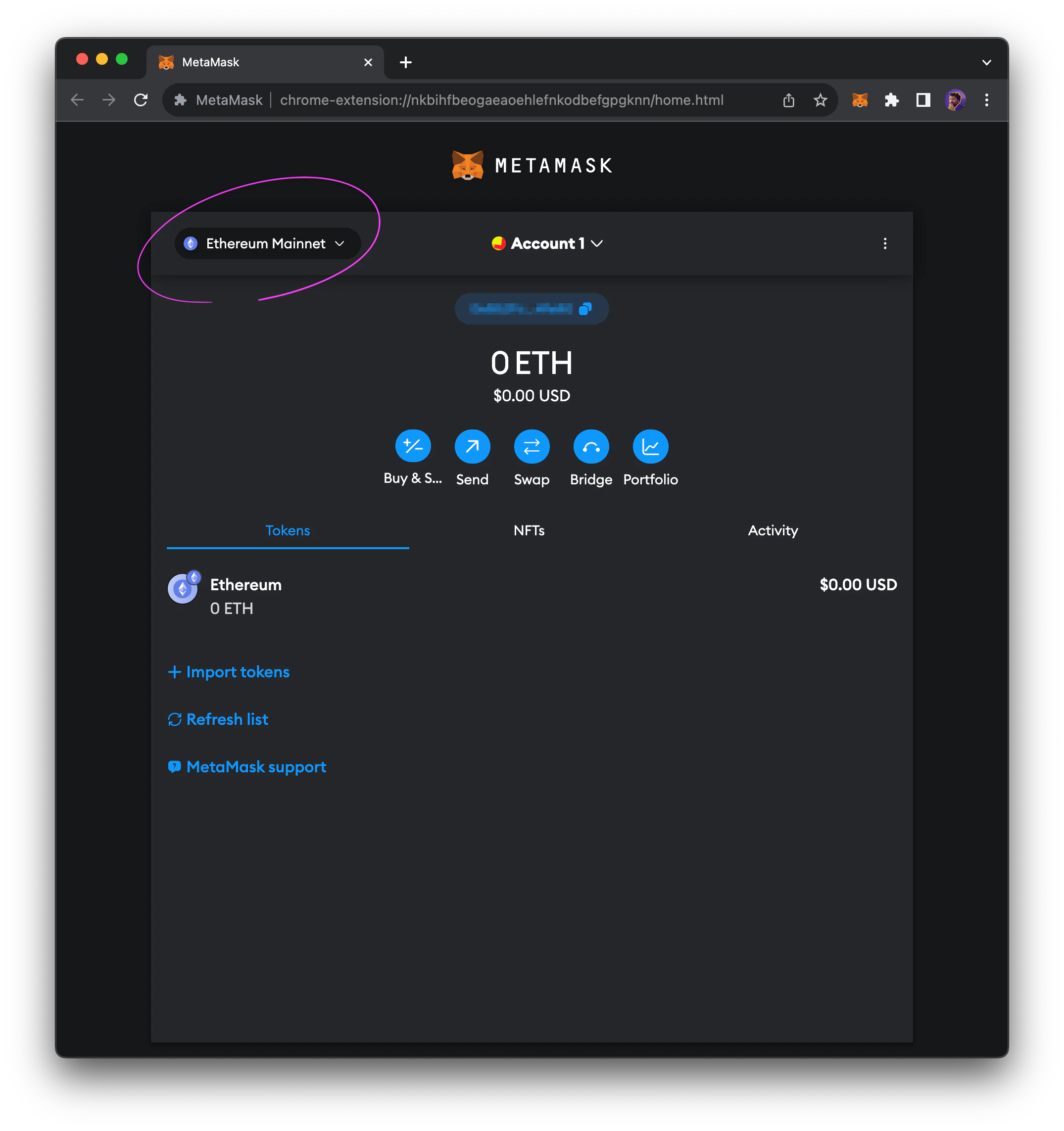
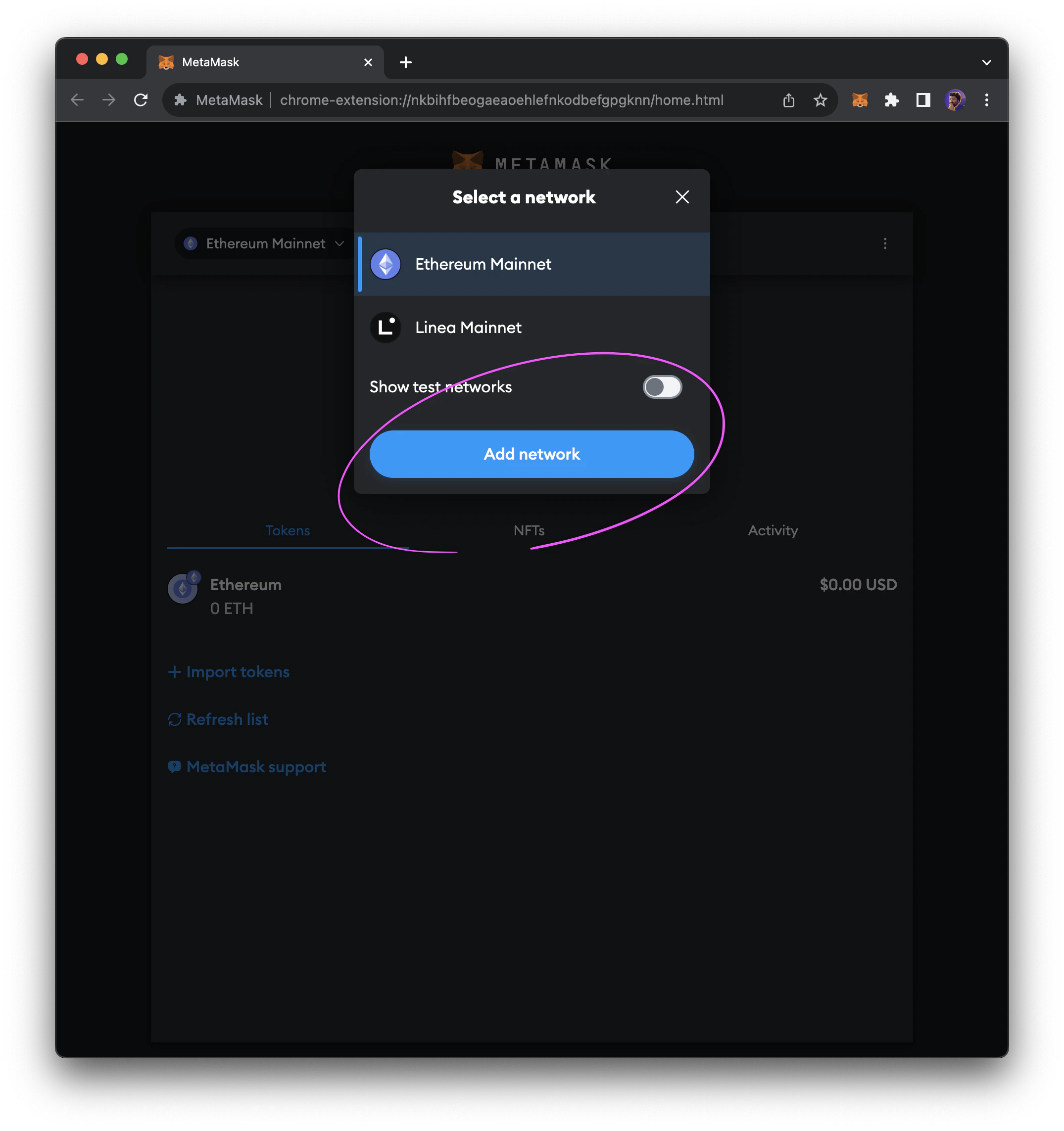
Add network button.
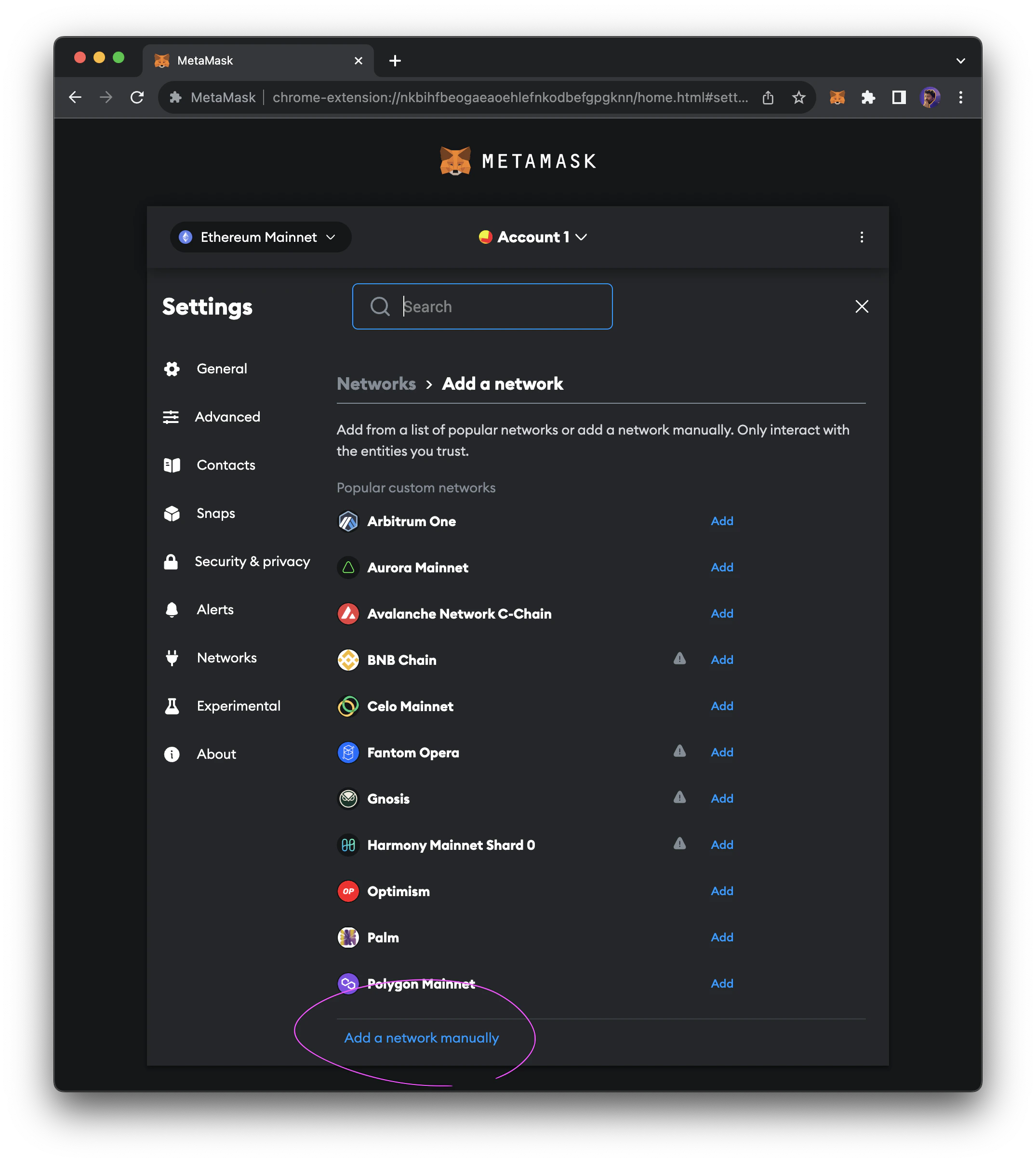
Add network manually.
Save.
After saving the network configuration, you should be connected to your selected Moca Chain network.